Play Geometry Dash Wave Online Free (Unblocked 2026)
Geometry Dash Wave: The Ultimate Online Play & Download Guide
If you have ever played Geometry Dash made by RobTop Games, you know that the Wave is one of the most intense and rewarding game modes. But when we talk about Wave, we are stepping into a territory of insane speed, tight gaps, and rhythmic perfection.
In this guide, I’ll show you how you can play Geometry Dash Wave online for free, and I’ll share some personal tips that helped me master those frustratingly narrow corridors.
Geometry Dash Wave gameplay controls:
Use mouse LEFT-CLICK or SPACE bar on keyboard.
What is Geometry Dash Wave?
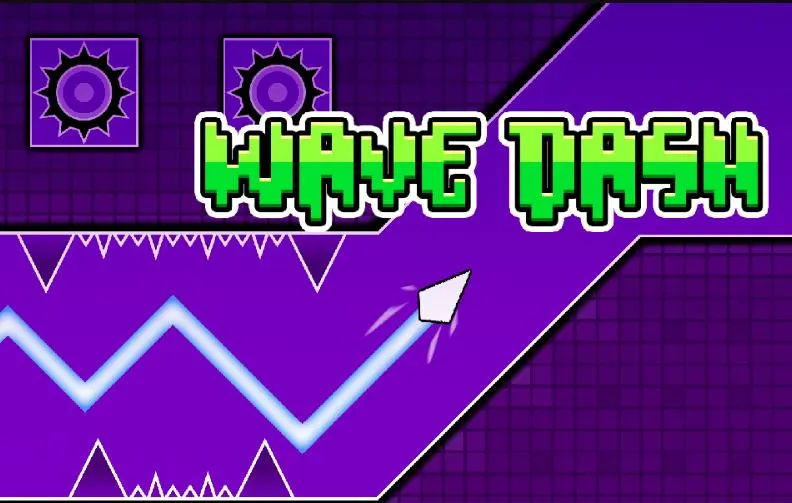
The "Wave" was first introduced in update 1.9, and it changed the game forever. Unlike the Cube or Ship, the Wave moves diagonally. When you click and hold, it goes up; when you release, it goes down.
Geometry Dash Wave refers to levels or segments where the speed is set to 3x or 4x, and the obstacles are placed so closely that your clicking must be frame-perfect. It’s all about muscle memory and "spamming" (fast clicking) with control. GD wave became so popular that people even made skins, GD texture packs and even tournaments.
| Feature | GD Steam Version | Our Online Version | Other Flash Sites |
| Price | $3.99 | Free | Free (but buggy) |
| Input Lag | Zero | Low (Optimized) | High |
| 2.2 Physics | Yes | Yes | No |
| Unblocked | No | Yes (School/Work) | No |
How to Play Geometry Dash Wave Online for Free (Unblocked)
Many players are looking for a way to practice Wave without downloading the full game on Steam or mobile. You can play Geometry Dash online right here on our site.
No Download Required: Just open your browser and start playing.
Unblocked Gameplay: Perfect for playing at school or work where game downloads are restricted.
Lag-Free Experience: Our web version is optimized for low latency, which is crucial for Wave segments.
Pro Tip: When playing the online version, I highly recommend using a wired mouse instead of a laptop trackpad. The input lag on a trackpad will make Wave levels almost impossible to beat.
Looking for Geometry Dash Wave Download Free?
While playing online is great for quick sessions, pro players often look for a Geometry Dash Wave download to eliminate browser latency. If you want to practice offline:
Official Way: Download the full version via Steam or App Store for the most stable experience.
Practice Packs: Many creators offer "Wave-only" level files. You can import these into your game to practice high-speed segments without playing the full level.
Why Download? Downloading the game ensures you get 60+ FPS (Frames Per Second), which is critical for frame-perfect Wave movements that might feel "heavy" in a browser.
GD Wave Progression: How to Get Good (Step-by-Step)
Tier 1 (Easy): Start with Retro Circles. It teaches you the basic flashing wave mechanics.
Tier 2 (Medium): Move to Problematic. The gaps get tighter.
Tier 3 (Hard): Try Deadlocked (Main Level). The dual wave part is the ultimate test.
Tier 4 (Insane): Nine Circles. If you beat this, you are officially a Pro.
The Different Clicking Styles for Wave
The Jitter Click: Use this for fast "Spam" sections. Vibrate your forearm to get 10-12 CPS (Clicks Per Second).
The Butterfly Click: Best for long, consistent wave corridors. Use two fingers on the mouse button for better stamina.
The Controlled Tap: For 3x speed but wider gaps. It’s about precision, not speed.
Recommended: Play Geometry Dash Lite
Expert Tips to Master the Wave Mode
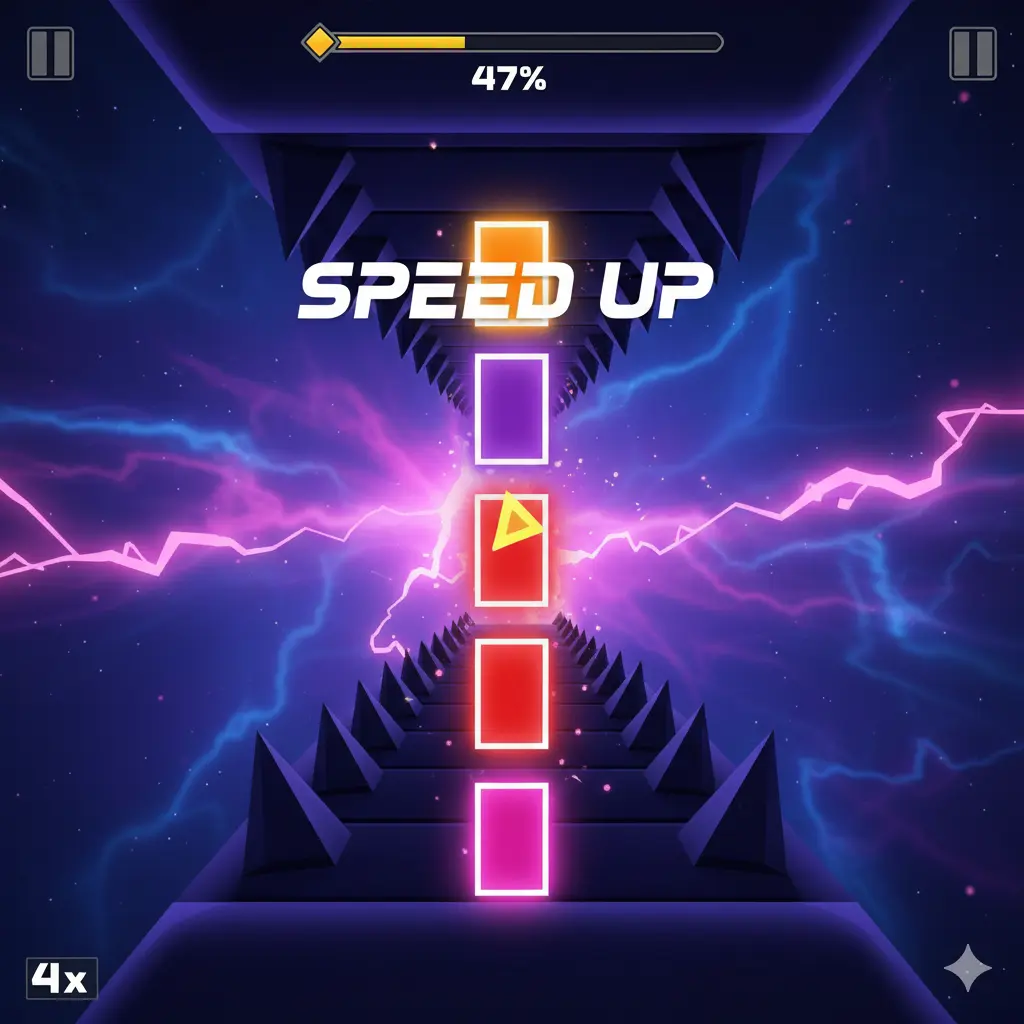
As someone who has spent hundreds of hours staring at the "Level Failed" screen, here is how you actually get better:
1. Master the "Spam" Control

Wave often requires you to click extremely fast. Don't just jitter-click randomly. Try to find the rhythm of the music. The wave is always synced to the beat.
2. Focus on the Center
Don’t look at your Wave icon. Instead, look at the gap ahead of you. By focusing on the center of the upcoming corridor, your brain can calculate the clicking interval much faster.
3. Use Practice Mode (The Lifesaver)
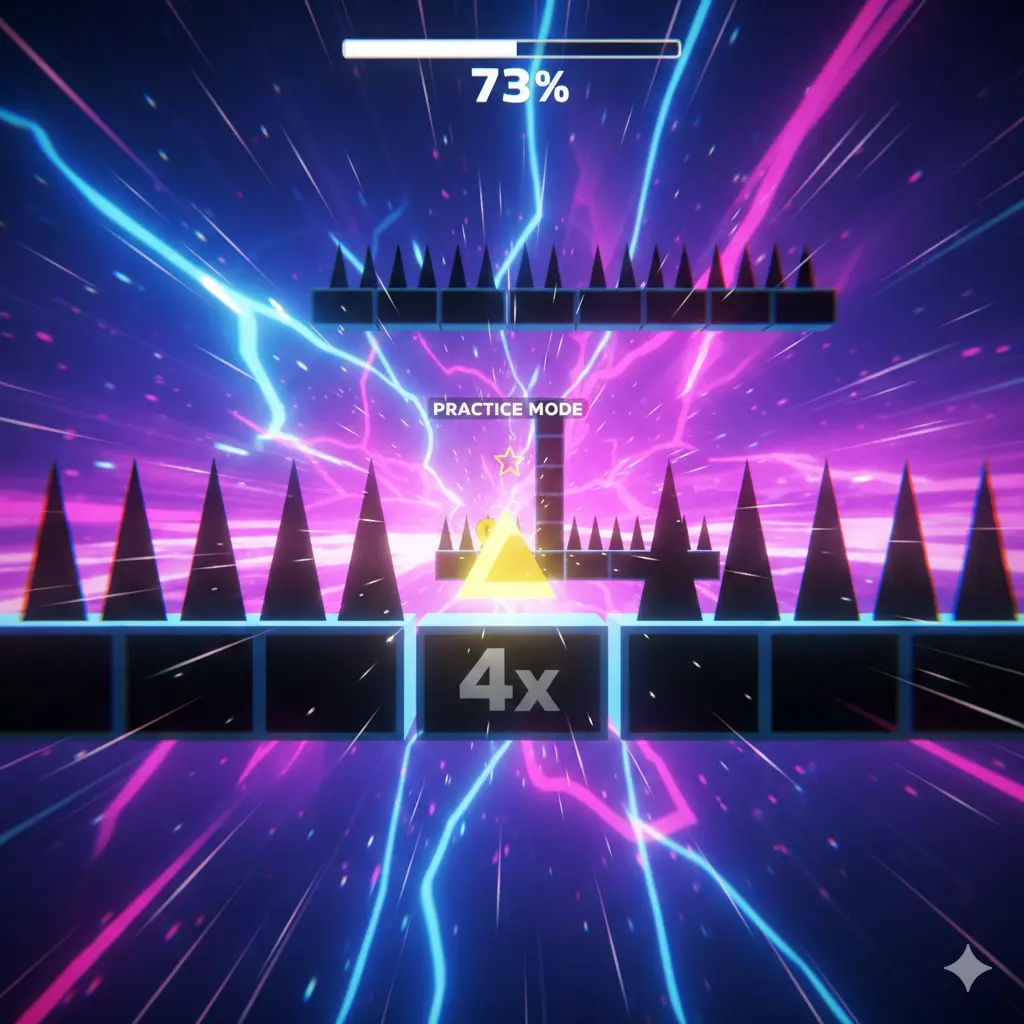
Never try to beat a Wave level in one go. Use practice mode to place checkpoints right before the wave entrance. Memorize the "up-down" pattern until it feels like a song you're playing on a piano.
Recommended: Geometry Dash Download Free for iOS & iPhone
Why is the Wave Mode So Popular?
The Wave is the only mode where you have constant 1:1 control over the movement. It feels more "analog" than the Cube. In the Geometry Dash community, beating a "Slaughterhouse" or "Sakupen Circles" wave segment is seen as the ultimate badge of honor.
The Physics of Wave: Why It’s Different
To truly rank and help players, we need to understand why the Wave feels different from a standard wave. In Geometry Dash, the Wave’s movement is constant at a 45-degree angle. However, when the speed hits 3x (Orange portal) or 4x (Pink portal), the "steepness" of your reaction time increases.
In my experience, the biggest mistake players make is over-clicking. At 4x speed, even a micro-second hold can send you crashing into the ceiling. The key is Short-Spamming. Instead of long presses, use rapid, light taps to keep the wave stabilized in the center.
Top 5 Hardest Wave Levels You Can Play Online
If you want to test your skills, these are the levels that defined the "Wave Meta." You can find these in our online version:
Nine Circles by Zobros: The level that started it all. The flashing lights and the wave maze are legendary.
Problematic: A great entry-level "Circles" level for those who are just starting with Wave.
Jawbreaker: This one focuses on vertical consistency. If you can't stay straight, you won't survive.
Sonic Wave: For a long time, this was the gold standard of "Insane Wave" difficulty.
VSC (Challenge): If you think you are a god at the game, try this. It’s a short but mathematically near-impossible wave challenge.
How to Optimize Your Browser for Zero Input Lag
Since you are playing Geometry Dash Online, technical setup is 50% of the battle. If your browser lags, you die. Period. Here is my "Pro-Gamer" checklist:
Enable Hardware Acceleration: Go to your browser settings (Chrome/Edge) and ensure "Hardware Acceleration" is ON. This offloads the rendering to your GPU.
Close Background Tabs: Every open tab of YouTube or Discord eats up RAM, causing "stutter" in GD.
Check Refresh Rate: If you have a 144Hz monitor, make sure your browser is actually using it. The Wave mode feels 10x smoother on high refresh rates.
Disable Smooth Scrolling: Sometimes, browser extensions for smooth scrolling can interfere with mouse click latency.
The "Wave" Evolution: From 1.9 to 2.2
The Wave has evolved significantly. With the latest 2.2 Update, we now have Warp portals and Swing Copters, but the Wave remains the most skilled-based mode. In our unblocked version, we've made sure that the 2.2 physics are integrated, so you get the same "weight" and "feel" as the original Steam version.
Geometry Dash Wave: Troubleshooting & Tips
| Issue | Solution |
| Wave Trail Glitch | Refresh the page or toggle "Low Detail Mode" in the settings. |
| Consistent Dying at 3x | You are likely clicking too late. Start your tap slightly before you reach the gap. |
| Game Lagging | Use the "Windowed" mode instead of Fullscreen if your PC is older. |
Conclusion: Why You Should Start Practicing Today
Geometry Dash isn't just a game; it's a test of patience. The Wave is the ultimate mountain to climb. By playing the unblocked online version, you get the freedom to practice anywhere, anytime. Whether you are a "Newbie" trying to beat Problematic or a "Pro" aiming for Sonic Wave, the key is consistency.
Don't get frustrated by the "Percentage" bar. Every 1% gain is a victory. So, grab your mouse, put on your headphones, and let the rhythm guide your wave!
Frequently Asked Questions (FAQ)
Can I play Geometry Dash Wave on mobile?
Yes! The online web version is compatible with mobile browsers, but for the best Wave experience, a desktop browser with a high refresh rate monitor is recommended.
Why is my Wave trail disappearing?
This is a common bug in some web versions or high-speed segments. Our version uses a fix to ensure your trail stays visible so you can track your movement accurately.
What is the hardest Wave level?
While subjective, levels like Acheron and Silent Clubstep have wave parts that are considered legendary in terms of difficulty.
Not so worldly trendy but still popular among gaming nerds FAQ
Q1: How do you get the secret wave skins in Geometry Dash?
A: Most secret waves are unlocked by collecting "User Coins" or "Mana Orbs" in the shop. In our online version, many icons are pre-unlocked for you to test!
Q2: Is Geometry Dash Wave harder than the Ship mode?
A: Yes, because the Wave has zero "gravity drift." It moves instantly, making it harder for beginners but more precise for pros.
Q3: Why is my game lagging on the Wave part?
A: High-speed wave segments have many moving objects. Enable LDM (Low Detail Mode) in our game settings to boost FPS.
Q4: Can we download Geometry Dash wave for free?
A: Yes, you can download and play the wave mode offline. Practicing offline is recommended for high-speed Wave levels to reduce input lag and get a smoother 60 FPS experience.